
In this How-to we´ll teach you how to register, verify and be secure in Kraken Exchange.
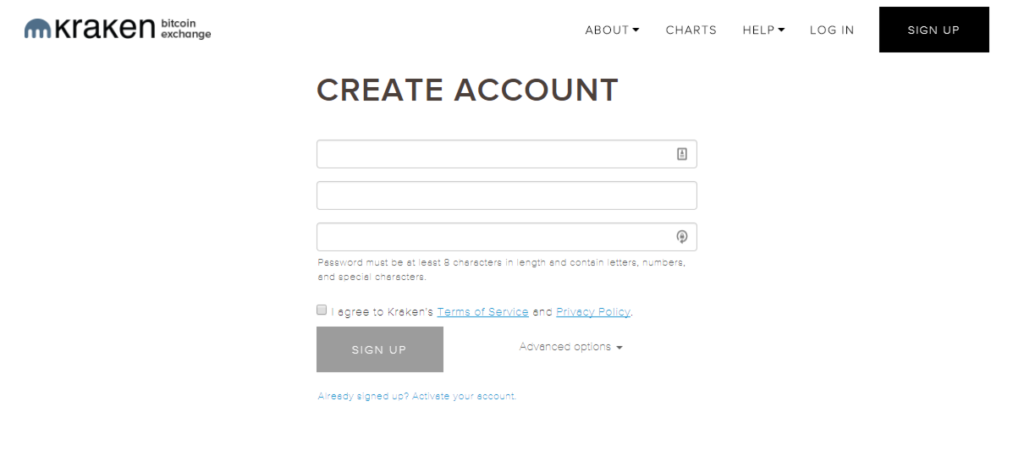
Once we click in www.kraken.com we Will have to register, introducing our email, username, password and agreeing with Kraken Terms of Service.
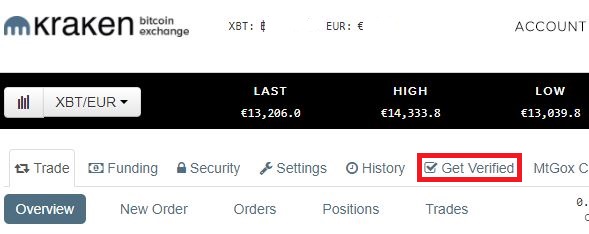
We Will receive a mail, it might be in the spam folder, and verify our account. We Will get redirected to the main page of Kraken and need to be verified at least to Tier 2 for us to buy cryptocurrencies with a SEPA transfer. Clicking in “Get Verified” Will take us to the next step
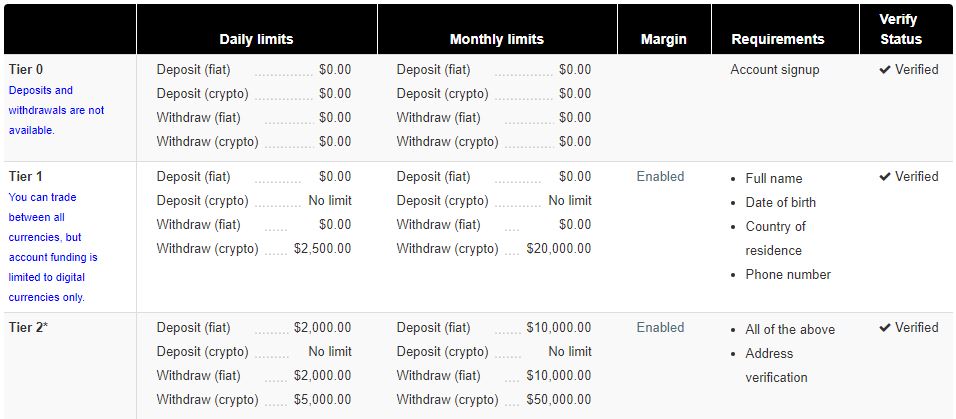
Once we are in “Get Verified” (link: https://www.kraken.com/u/verify) we can check our verify status. We Will have to give our Full Name, date of birth, country of residence, phone number and address. Being tier 3 will give you much bigger limits.
Kraken usually takes a long time for verification and registration to their Exchange, but being the cheapest in fees and accepting SEPA transfers is a solid choice. Lately their server problems have been a big problema but hope they fix it soon.
Sepa deposit in kraken is fast and easy, it usually takes two to three days for a SEPA transfer to arrive in you account and being able to buy your cryptos.
IMPORTANT: you cant send a SEPA transfer to your Kraken account from a Friends or family bank account, the names must match or it Will freeze your deposit and Will take a long time untill they release it.
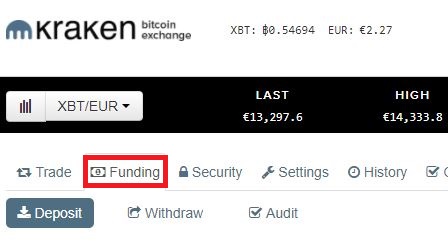
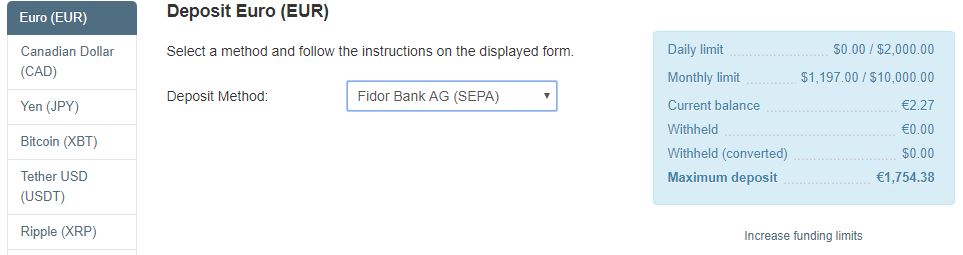
Once we click in Funding, we choose the currency, Euro in this case, and select SEPA transfer. We can see our daily limit in the right, make sure you don´t overlimit.
This is all the information we Will need for sending correctly our SEPA transfer. The reference is extremely important and if you dont copy it right the funds could be locked for a couple of weeks.
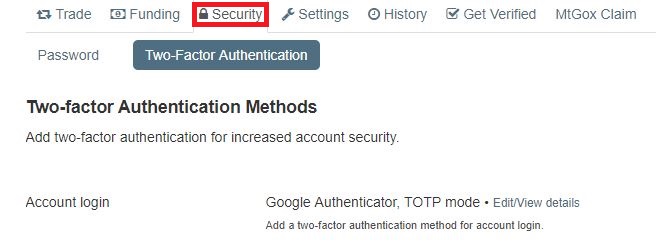
Now we Will add our two factor authentication in our kraken account using Google Authenticator. In the security tab we Will set up our 2FA for the Account login
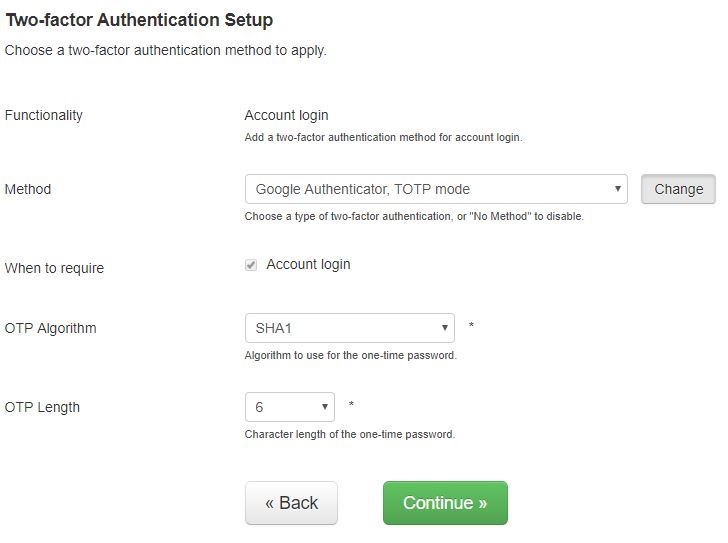
Easiest method is the “Google Authenticator, TOTP mode”, selecting SHA1 algorithm and the lenght of 6 numbers.
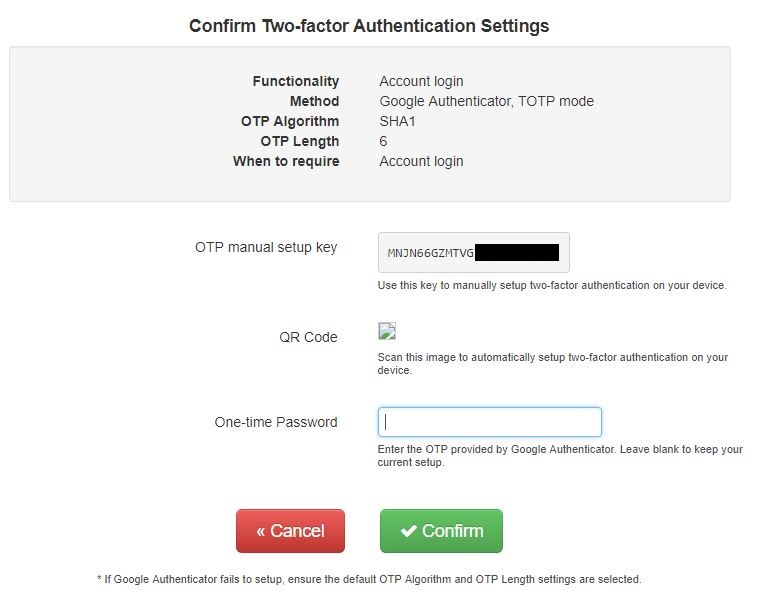
We must right down the “OTP manual setup key” and back up this code, if we loose the phone we Will have to reenter this code or it Will take long time until Kraken can verify is our account. Once you downloaded “Google Authenticator” in your phone, you can either use the code we backed up or read the QR code. We type the 6 digits it appears in your app and confirm. Once we set this up we Will need those 6 digits that change every 30 seconds.